Check a document image
Make a document image easier to view. Compare text and edges, and keep the original as the source of important information.
Upscale your image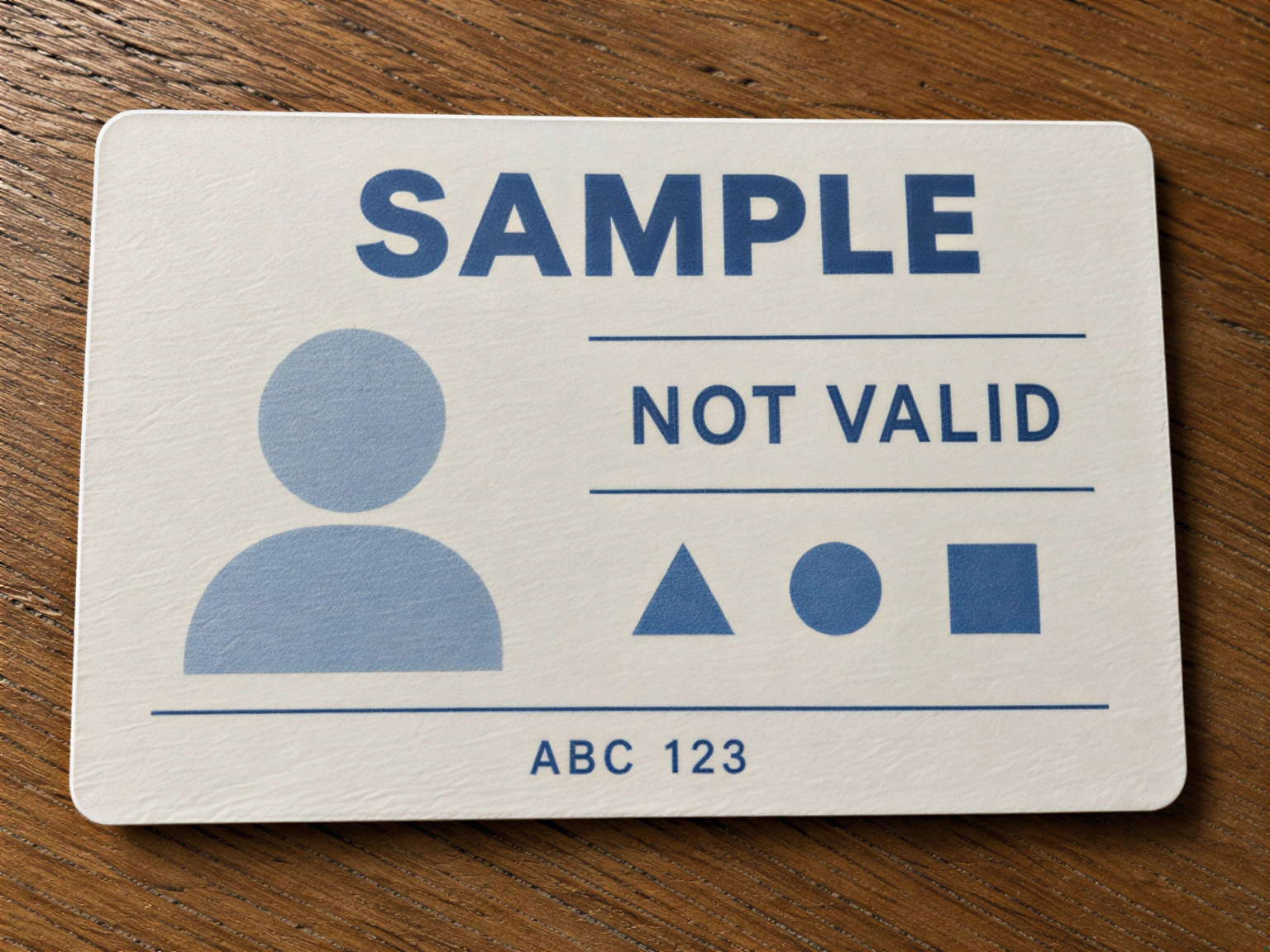
Drag to compare text edges. An enhanced image does not replace the original record.
Your image, enlarged
More result settings
Processing uses purchased credits. One-time packs start at $5.00; no subscription.
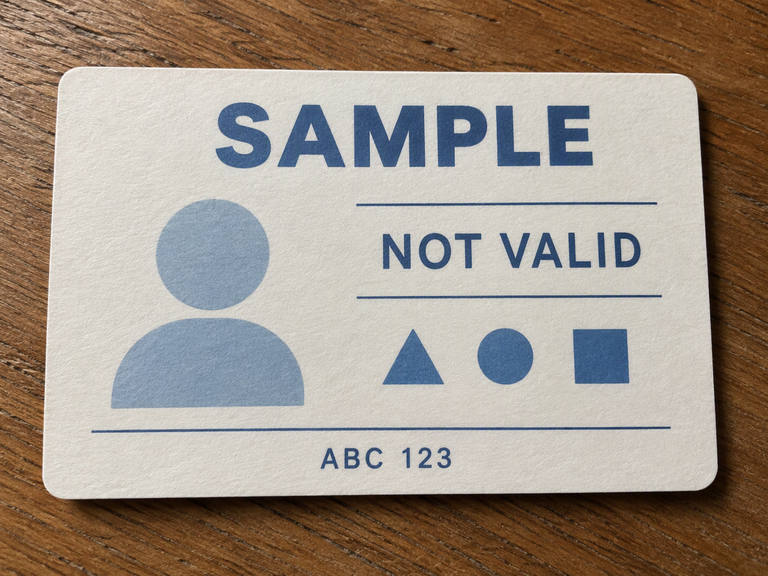
Drag the handle to compare the details
Compare the outlines and textures that matter to you, then try your own image.
See the before and after
Drag the handle to compare outlines, textures and small details.
Inspect the sample at full size, then check the quote for your own image.
View the full-size resultDetails worth a closer look
Drag to compare text edges. An enhanced image does not replace the original record.
- Text edges
- Paper outlines
- Every character checked
How to compare the document
Drag the handle over letters, lines and paper edges. Open the enhanced image to inspect the whole page.
Clearer text can still be incorrect. Verify names and numbers character by character.
Keep sensitive files private
Avoid uploading passports, full identity numbers, addresses or sensitive account documents.
Use a document without sensitive information for your comparison. See the privacy policy for processing and retention details.
Check your image before processing
Inspect the sample, then choose a size and confirm the credit quote for your document. Your original stays unchanged.
- Compare every character and do not trust guessed content.
- Do not alter names, dates, signatures or identity numbers.
- Keep the original and delete results you do not need.
Use the original for identity checks
This tool does not verify identity or guarantee acceptance. Take a fresh photo of the original and follow the verifier’s instructions.
Check original records or contact the issuer when information cannot be read.
Common questions
Can it recover an unreadable ID number?
Not reliably. A clear-looking number can still be wrong. Check the original record.
Can I use the result for identity verification?
It does not replace the original. Retake and submit the photo as instructed by your verification service.
How do I avoid incorrect text?
Start with a clear photo and compare every character with the document. Do not treat guessed letters as facts.
See what your image could look like
Sign in, choose your output size and pay with a one-time credit pack. No subscription.