HEIC image upscaler
Choose the actual HEIC photo from your phone. We decode it on your device before sending the image for enhancement.
Try your image free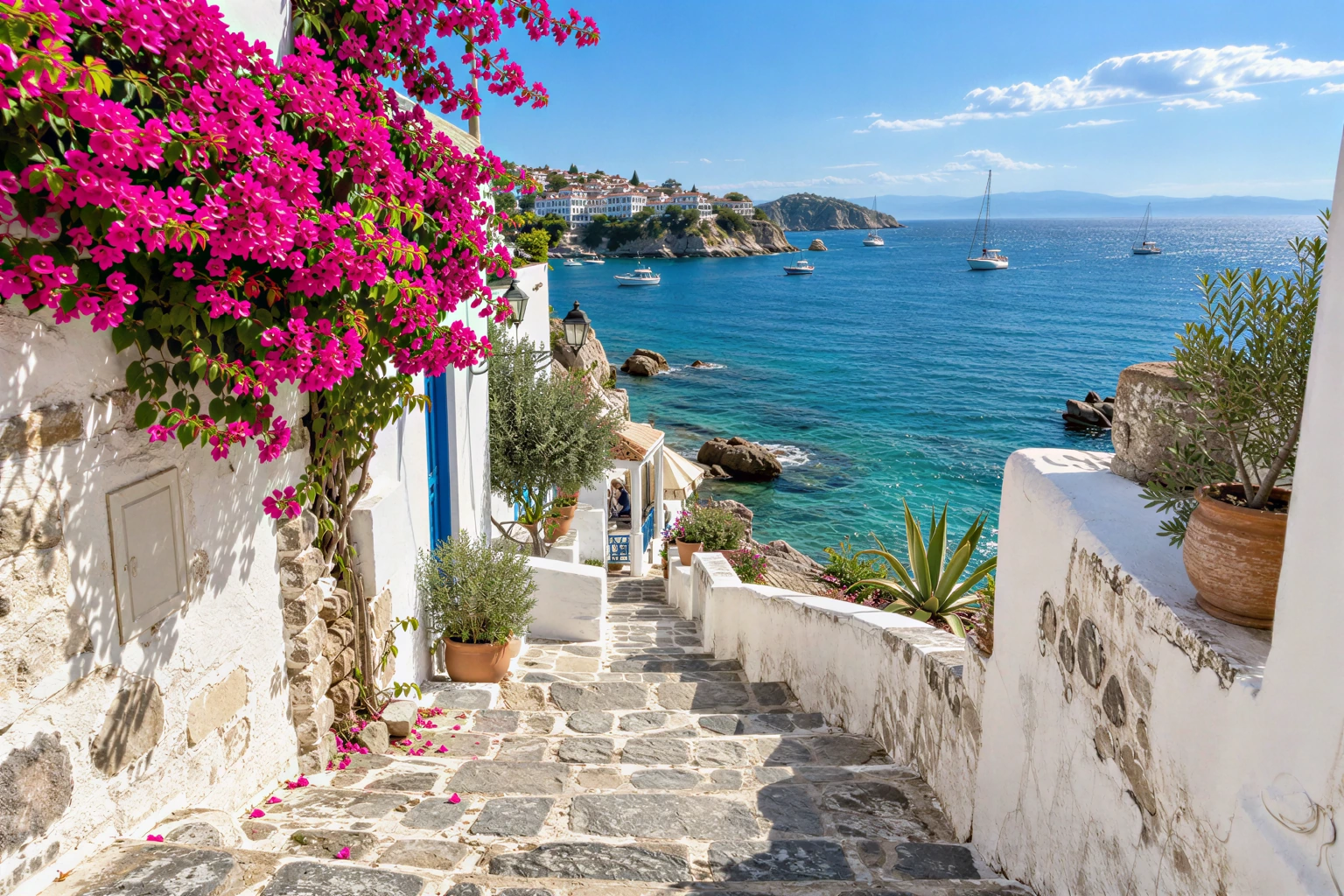
HEIC still image in, PNG/JPG/WebP result out. Live Photo video, RAW and HDR gain maps are not preserved.
Your image, enlarged
One free SeedVR2 preview, up to 720 px on the long edge. No signup or card. A smaller input copy is made only when you choose this mode.
One free 720 px preview. Full-resolution processing uses purchased credits; no subscription.
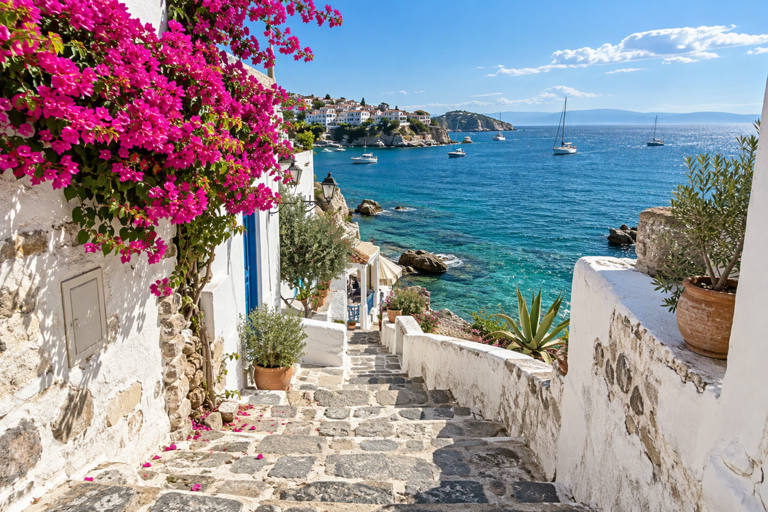
Sample input is AI-generated; the result was processed by the named FAL model.
The actual comparison
One submitted input. Two independent model calls. Pick a model to inspect the real result.
The source is original synthetic artwork. Inputs were downsampled and lightly compressed before submission; every after is the named fal endpoint’s real output. No CSS blur or separately generated after is used.
Open original-sized resultInspect these details
HEIC still image in, PNG/JPG/WebP result out. Live Photo video, RAW and HDR gain maps are not preserved.
- Correct photo orientation
- Still-image conversion clearly shown
- Pixels checked before export
Conversion first, then enhancement
HEIC is a container, not an AI model. The browser loads a decoder only when you select this format, converts the still image to PNG locally, and shows you what will be sent.
After you confirm and submit, the converted pixels enter the same private upload, image moderation, fal queue and result-checking path as a JPEG or PNG.
What does not carry over?
The output is a still image. Live Photo motion, depth data, edit history, some metadata and HDR-specific information are not carried through this PNG workflow. Do not delete your original HEIC.
The decoded image is intended for ordinary SDR viewing and delivery, not an archival replacement for an original photo library or a color-managed RAW workflow.
Choose the right delivery
PNG avoids another lossy JPEG encoding step. JPEG is broadly supported for ordinary web delivery, while WebP is offered by SeedVR2 for that workflow. Crystal only offers PNG/JPG here.
For a first try, use the small free preview. For full resolution, check the resulting dimensions and output-MP quote; a modern phone image can grow quickly at 4×.
If a file cannot decode
Try exporting the still image as JPEG or PNG from Photos, then upload that version. An unsupported codec or a multi-image file can fail; a renamed extension does not convert the image.
You can still compare the existing travel sample without submitting a new file. No HEIC conversion service receives your original from this page.
Questions before you process
Do you upload my original HEIC to convert it?
No. The decoder runs in your browser. Only the converted image is uploaded after you click process and accept the terms.
Can I download an enhanced HEIC?
No. The current output formats are PNG/JPG and, for SeedVR2, WebP. Keep the original HEIC separately.
Does it preserve a Live Photo?
No. This is a still-image workflow, not video, depth or Live Photo processing.
Original sources
Model controls and competitor descriptions are checked against the original references. Our own recommendation is not an independent award.
Updated November 5, 2026
HEIC decoder and open-source licenses
See what changes in your image
One real SeedVR2 preview up to 720 px. No signup or card.