Unblur your image
A soft photo deserves a careful second look. Try one free preview before you commit to a larger file.
Try your image free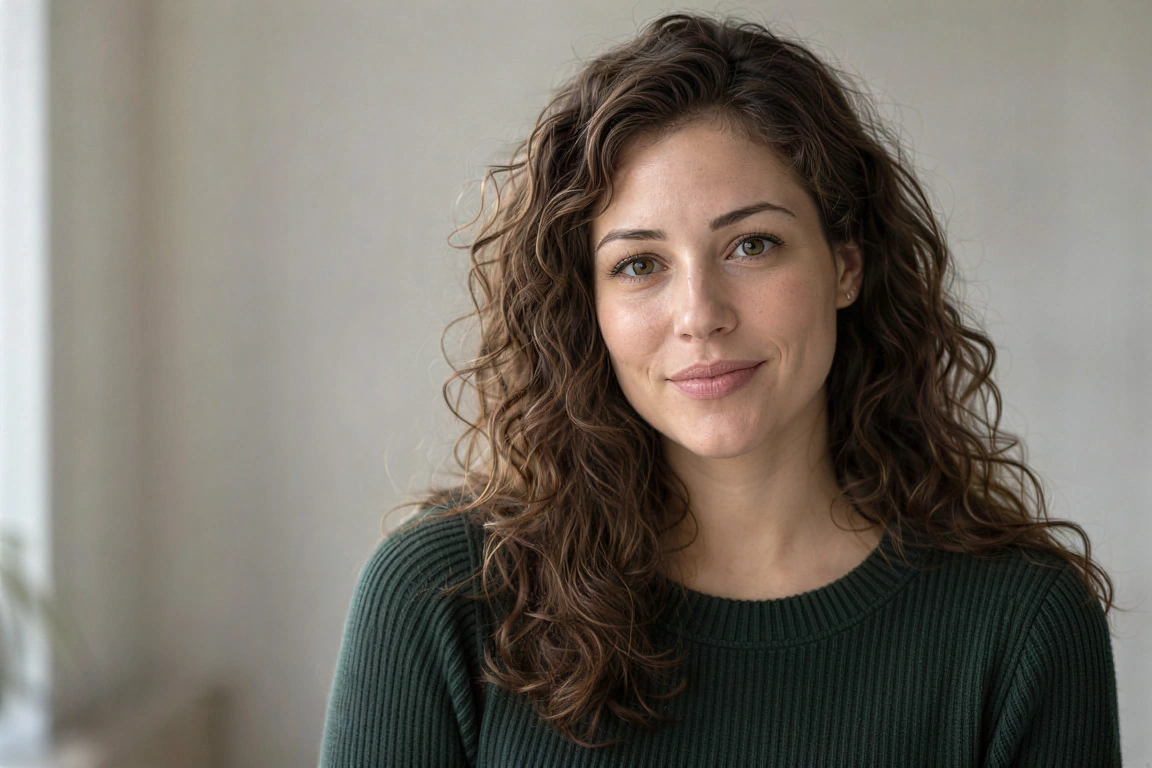
For light defocus, compressed pictures and soft edges. Missing detail may be reconstructed, not recovered.
Your image, enlarged
One free SeedVR2 preview, up to 720 px on the long edge. No signup or card. A smaller input copy is made only when you choose this mode.
One free 720 px preview. Full-resolution processing uses purchased credits; no subscription.
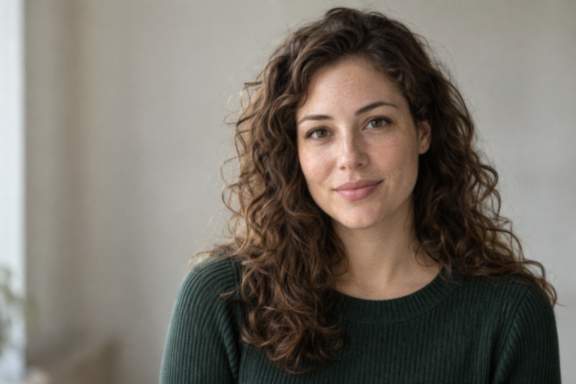
Sample input is AI-generated; the result was processed by the named FAL model.
The actual comparison
These test inputs include deliberate light blur and JPEG compression. The comparison shows the submitted image, not an artificially blurred overlay.
The source is original synthetic artwork. Inputs were downsampled and lightly compressed before submission; every after is the named fal endpoint’s real output. No CSS blur or separately generated after is used.
Open original-sized resultInspect these details
For light defocus, compressed pictures and soft edges. Missing detail may be reconstructed, not recovered.
- Eyes and facial identity
- Edges without bright halos
- Text checked against the original
Which blur can improve?
Light defocus and JPEG compression still leave visual information for a model to use. Severe camera shake, a face only a few pixels wide, or letters that are no longer distinguishable may not be recoverable.
Start with the original file, not a screenshot of a screenshot. Download the largest available source and avoid repeatedly saving it as JPEG.
Choose a restrained model
SeedVR2 at 2× with noise scale 0 is a low-cost starting point. Crystal creativity 0 is a second restrained comparison. Neither endpoint accepts a text Prompt.
Higher creativity can make a photo look sharper while changing a person, sign or pattern. Compare at the same magnification, and prefer the version that preserves the subject rather than the version that adds the most texture.
Check before you download
Slide between the actual submitted input and model output. Check both the whole scene and a close view of the areas that matter.
- For portraits, compare eye shape, teeth and hairline.
- For a sign or document, verify every character from another reliable source.
- For a product, check geometry, logos and repeated patterns.
What the free preview proves
The free route processes a small input copy with SeedVR2 and produces a file up to 720 px on its long edge. Your source file stays unchanged.
A preview helps you decide whether this model treats your image sensibly. It is not a guarantee of the exact appearance of a later full-resolution run, and it is not evidence of an unreadable original detail.
Questions before you process
Can I unblur an image for free?
Yes. Try one 720 px SeedVR2 preview without signup or a card. The downloadable result has no watermark; browser/account and daily network limits apply.
Can AI restore an unreadable number?
It may invent a plausible number. Do not rely on enhancement for legal, medical or identity evidence. Rephotograph or use another source.
Does unblur mean larger dimensions?
The free route uses 2× on a preview copy. In full-resolution mode you can choose 1× for enhancement or 2×/4× for enlargement.
Original sources
Model controls and competitor descriptions are checked against the original references. Our own recommendation is not an independent award.
Updated November 5, 2026
See what changes in your image
One real SeedVR2 preview up to 720 px. No signup or card.