Anime image upscaler
Make your illustration larger without losing sight of the linework. Compare the same anime image in both models.
Try your image free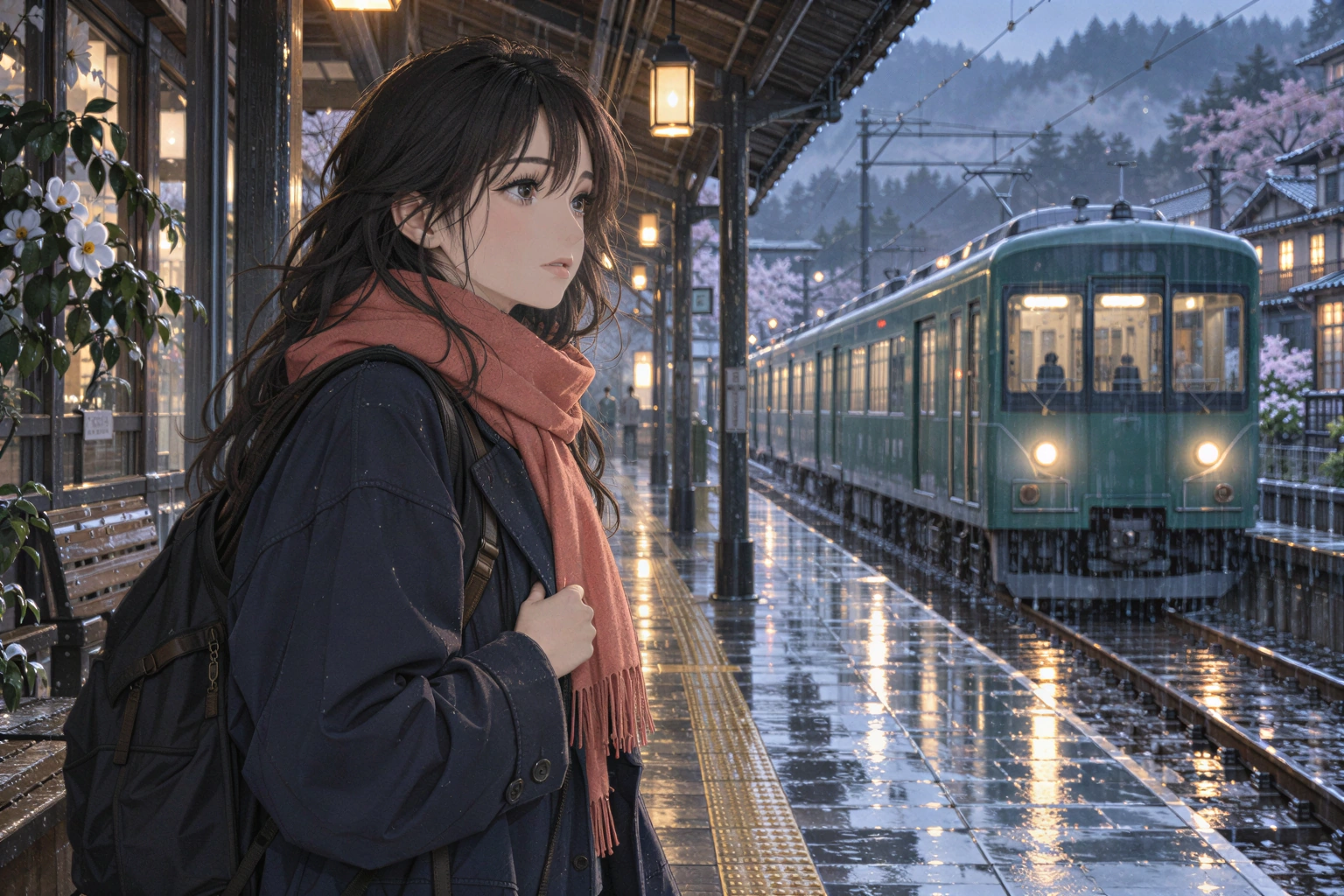
For original artwork, authorized screenshots and illustrations. This tool does not upscale anime video.
Your image, enlarged
One free SeedVR2 preview, up to 720 px on the long edge. No signup or card. A smaller input copy is made only when you choose this mode.
One free 720 px preview. Full-resolution processing uses purchased credits; no subscription.
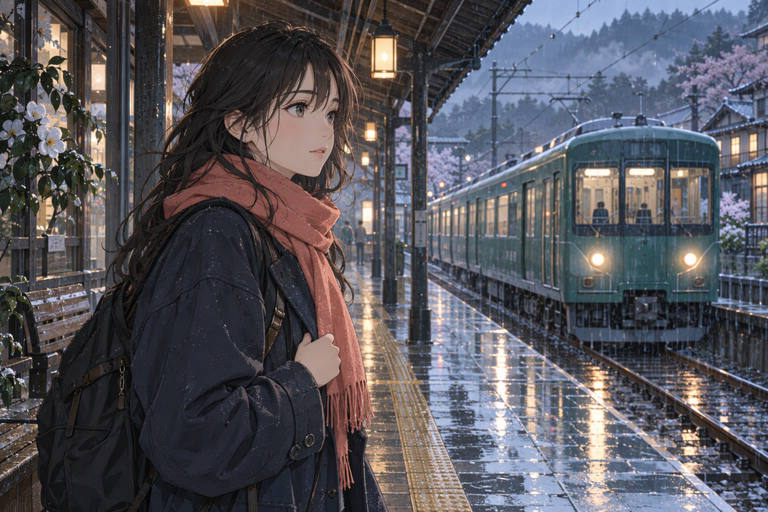
Sample input is AI-generated; the result was processed by the named FAL model.
The actual comparison
One submitted input. Two independent model calls. Pick a model to inspect the real result.
The source is original synthetic artwork. Inputs were downsampled and lightly compressed before submission; every after is the named fal endpoint’s real output. No CSS blur or separately generated after is used.
Open original-sized resultInspect these details
For original artwork, authorized screenshots and illustrations. This tool does not upscale anime video.
- Single, clean ink contours
- Stable eyes and expressions
- Flat colors without invented texture
Illustrations are not photos
An extra strand of hair or a changed eyelid can alter an illustration even when the result looks more detailed. Linework, flat fills and intentional soft shading are the things to preserve.
The demo is an original AI-generated illustration, not a frame from a copyrighted series. Its after images are actual SeedVR2 and Crystal outputs from the same submitted file.
Start low, compare fairly
Start with SeedVR2 noise scale 0 at 2×. For Crystal, compare creativity 0 before increasing it. PNG is a useful delivery format for illustrated edges.
Do not compare a 4× output to a 2× output at different screen sizes and call it a model test. Match crop and magnification first; then judge the contours and expression.
Before posting or printing
Keep the unedited source. Review at 100% and at the intended display size; both reveal different problems.
- Check the outer silhouette and individual eyelashes.
- Inspect small text, insignia and patterned clothes.
- Watch for color drift in flat sky or skin tones.
- Confirm you have permission to use and publish the original.
Anime or pixel art?
If your artwork is intentionally pixel-based, AI can smooth away its design. Use nearest-neighbor for exact integer enlargement, and treat AI as a separate reinterpretation.
For print, calculate the required pixels from the physical size and intended DPI. A larger file alone does not guarantee printable fine detail.
Questions before you process
Can I upscale anime video here?
No. This page accepts still images. The SeedVR2 and Crystal image endpoints used here do not process a video or preserve motion continuity.
Which model is best for anime?
There is no universal winner. Start with restrained settings and compare the actual contours, expression and flat colors in your own image.
Can I use a free preview?
Yes. One SeedVR2 preview up to 720 px is available without signup. Full-resolution artwork uses credits.
Original sources
Model controls and competitor descriptions are checked against the original references. Our own recommendation is not an independent award.
Updated November 5, 2026
See what changes in your image
One real SeedVR2 preview up to 720 px. No signup or card.