Upscale pixel art
Keep every original pixel, or deliberately reinterpret it with AI. These are different jobs, and you can choose either.
Try your image free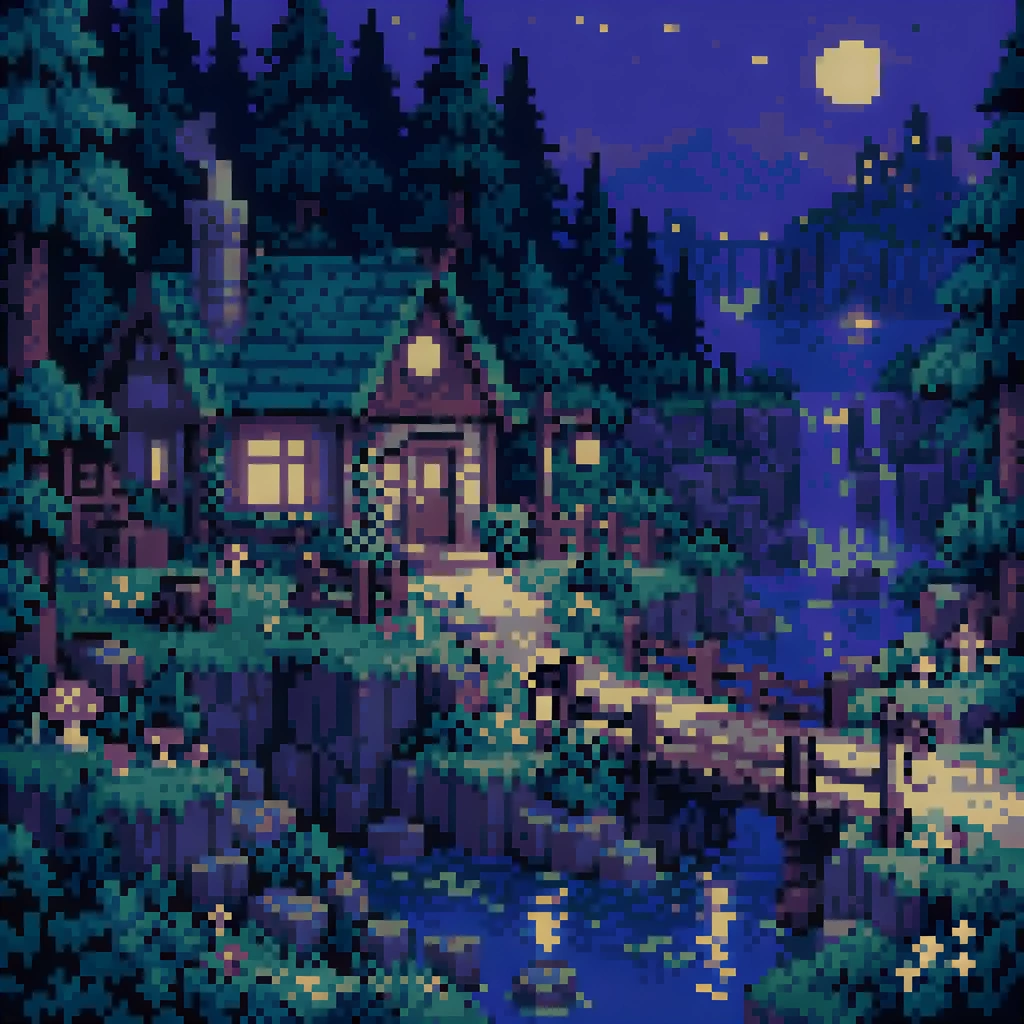
Local nearest-neighbor is exact integer enlargement. AI reconstructs detail and may change the pixel style.
Keep every pixel
Exact integer enlargement, entirely on your device. No upload, model or credit charge.
Nearest-neighbor copies the original RGBA values. No new detail or colors are generated.
PNG recommended · up to 10 MB · maximum 16 MP output
Your image, enlarged
One free SeedVR2 preview, up to 720 px on the long edge. No signup or card. A smaller input copy is made only when you choose this mode.
One free 720 px preview. Full-resolution processing uses purchased credits; no subscription.
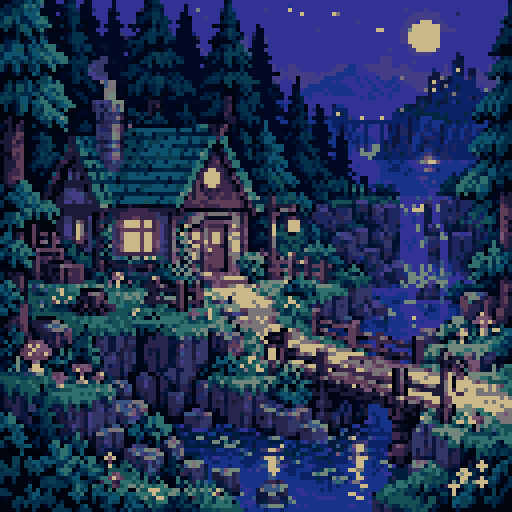
Sample input is AI-generated; the result was processed by the named FAL model.
The actual comparison
One submitted input. Two independent model calls. Pick a model to inspect the real result.
The source is original synthetic artwork. Inputs were downsampled and lightly compressed before submission; every after is the named fal endpoint’s real output. No CSS blur or separately generated after is used.
Open original-sized resultInspect these details
Local nearest-neighbor is exact integer enlargement. AI reconstructs detail and may change the pixel style.
- Integer grid alignment
- Original color palette
- No smoothing in the exact route
Exact enlargement is not AI
Nearest-neighbor repeats each source pixel in an integer block. It creates no new colors or texture and preserves transparent pixel values. This local tool runs on your device and makes no upload.
Choose 2×, 4× or 8× within the displayed output limit. Download PNG to avoid introducing JPEG compression into a carefully controlled palette.
AI is a separate interpretation
The model comparison uses a recorded, palette-reduced synthetic source. SeedVR2 and Crystal may turn a grid into softer illustration, add texture, or change small structures.
That can be useful for an intentionally repainted backdrop, but it is not a faithful sprite-sheet export. Keep the original alongside any derivative.
Check the game asset
Test the exact exported image in the actual engine or design file.
- Ensure tile borders meet with no seams.
- Use nearest filtering in your engine if that is the intended style.
- Compare transparent edges, not only opaque colors.
- Do not use generative enlargement to replace collision or layout data.
Questions before you process
Is the local pixel-art tool free?
Yes. Integer nearest-neighbor enlargement happens in your browser, with no fal call, account or credit charge. The maximum local output is 16 MP.
Does the local route use AI?
No. It repeats RGBA pixels. The AI workspace is separate and reconstructs detail instead of promising exact pixel fidelity.
Why does my AI result look smoother?
These models infer new visual detail. Use the local exact route when crisp original blocks and palette preservation are the priority.
Original sources
Model controls and competitor descriptions are checked against the original references. Our own recommendation is not an independent award.
Updated November 5, 2026
See what changes in your image
One real SeedVR2 preview up to 720 px. No signup or card.