Enhance hotel room photos
Let the room’s real detail do the selling. Compare the linen, materials and furniture without inventing a better room.
Try your image free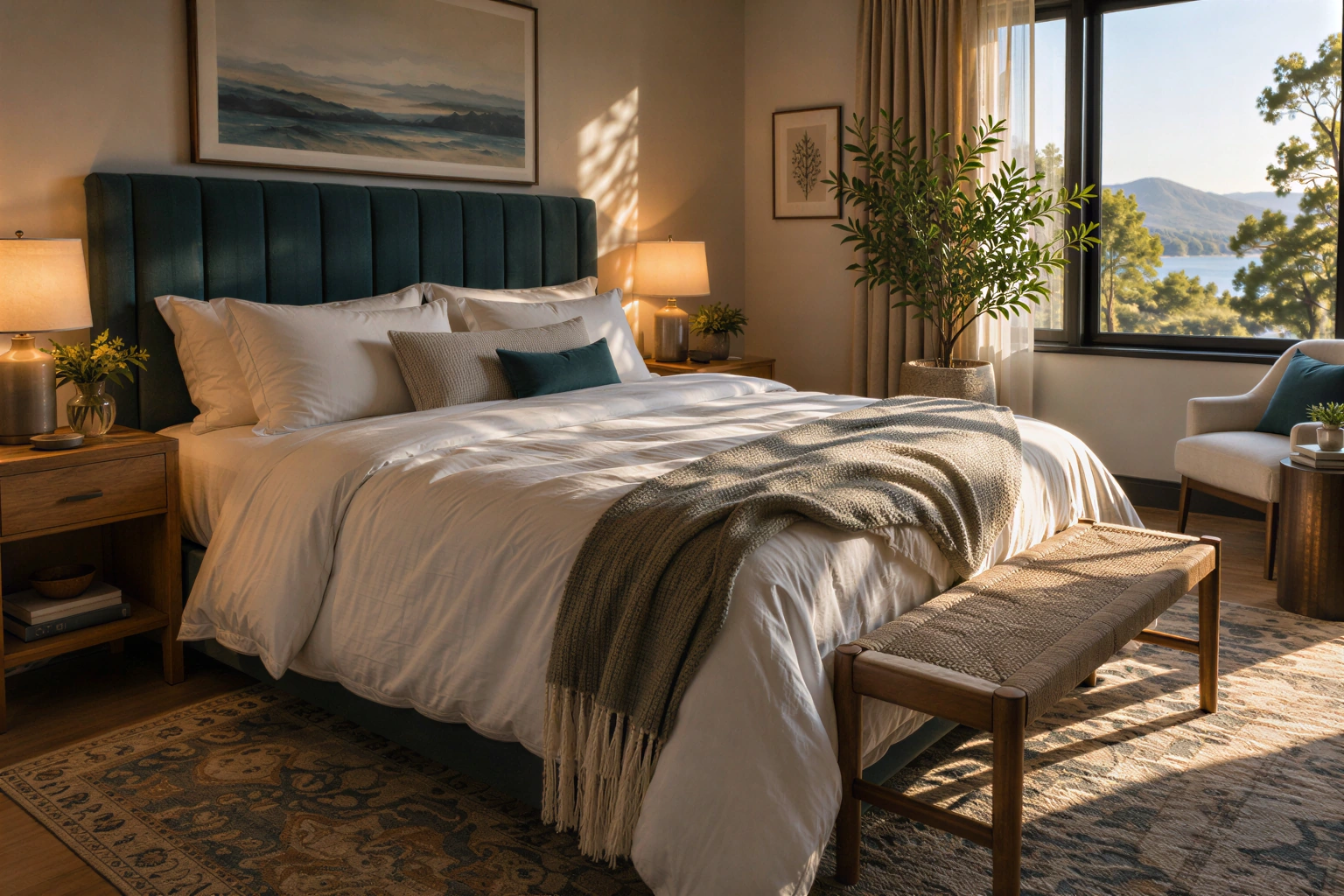
For existing room photographs, not virtual staging, room enlargement or invented amenities.
Your image, enlarged
One free SeedVR2 preview, up to 720 px on the long edge. No signup or card. A smaller input copy is made only when you choose this mode.
One free 720 px preview. Full-resolution processing uses purchased credits; no subscription.
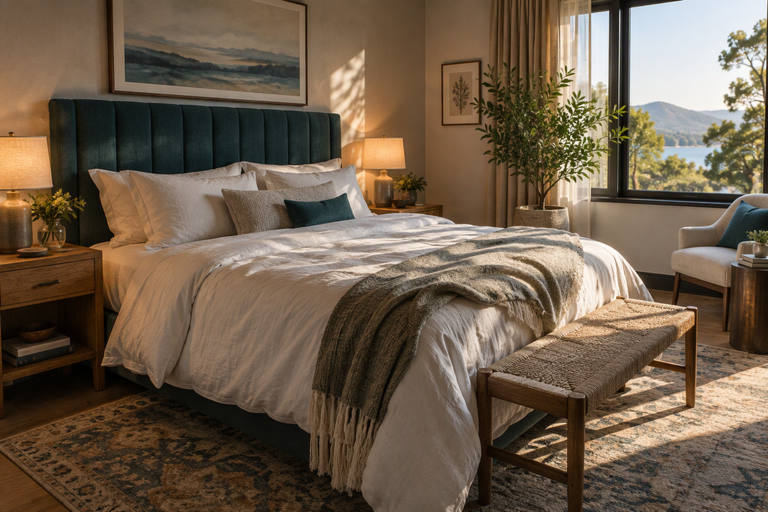
Sample input is AI-generated; the result was processed by the named FAL model.
The actual comparison
One submitted input. Two independent model calls. Pick a model to inspect the real result.
The source is original synthetic artwork. Inputs were downsampled and lightly compressed before submission; every after is the named fal endpoint’s real output. No CSS blur or separately generated after is used.
Open original-sized resultInspect these details
For existing room photographs, not virtual staging, room enlargement or invented amenities.
- Linen without plastic texture
- Straight furniture and windows
- Room facts and amenities unchanged
Sell the room that exists
Use a photograph of the actual room category and bed configuration. Enhancement should make existing texture more legible, not add a window, a view, a larger bed or an amenity.
Our sample is a synthetic room used to test image processing. It is not a photograph of a hotel bookable through this site.
Where to look closely
Start at 2× and a restrained reconstruction setting. Check small-scale textures at 100% and also judge the final image at the booking page’s normal size.
- Compare sheets and upholstery for repeated fake patterns.
- Trace bed frames, wall edges and window geometry.
- Watch bright lamps for exaggerated halos.
- Check that mirrors and reflections still make sense.
Prepare platform-ready files
Use the booking platform’s current requirements for dimensions, aspect ratio and file size. This tool keeps image proportions; it does not create a new room composition or certify a platform upload.
Keep the best original and the enhanced file together. Apply any required AI disclosure and get the appropriate approval before publishing a listing.
Preview a single room first
The 720 px free preview helps inspect how SeedVR2 treats a texture. A full-resolution run is separately quoted by output MP.
For a batch of room categories, review each image individually. A setting that looks good on a linen bed can damage a patterned rug or a wood-paneled room.
Questions before you process
Can the enhancer make the room look bigger?
It should not. The current tool keeps proportions and reconstructs details; it does not offer virtual staging or perspective edits.
Is the sample a real hotel?
No. It is original synthetic material, with actual model outputs. It is not a customer testimonial or a booking listing.
Can I process a whole gallery in one upload?
Not currently. Submit and inspect one still image at a time.
Original sources
Model controls and competitor descriptions are checked against the original references. Our own recommendation is not an independent award.
Updated November 5, 2026
See what changes in your image
One real SeedVR2 preview up to 720 px. No signup or card.